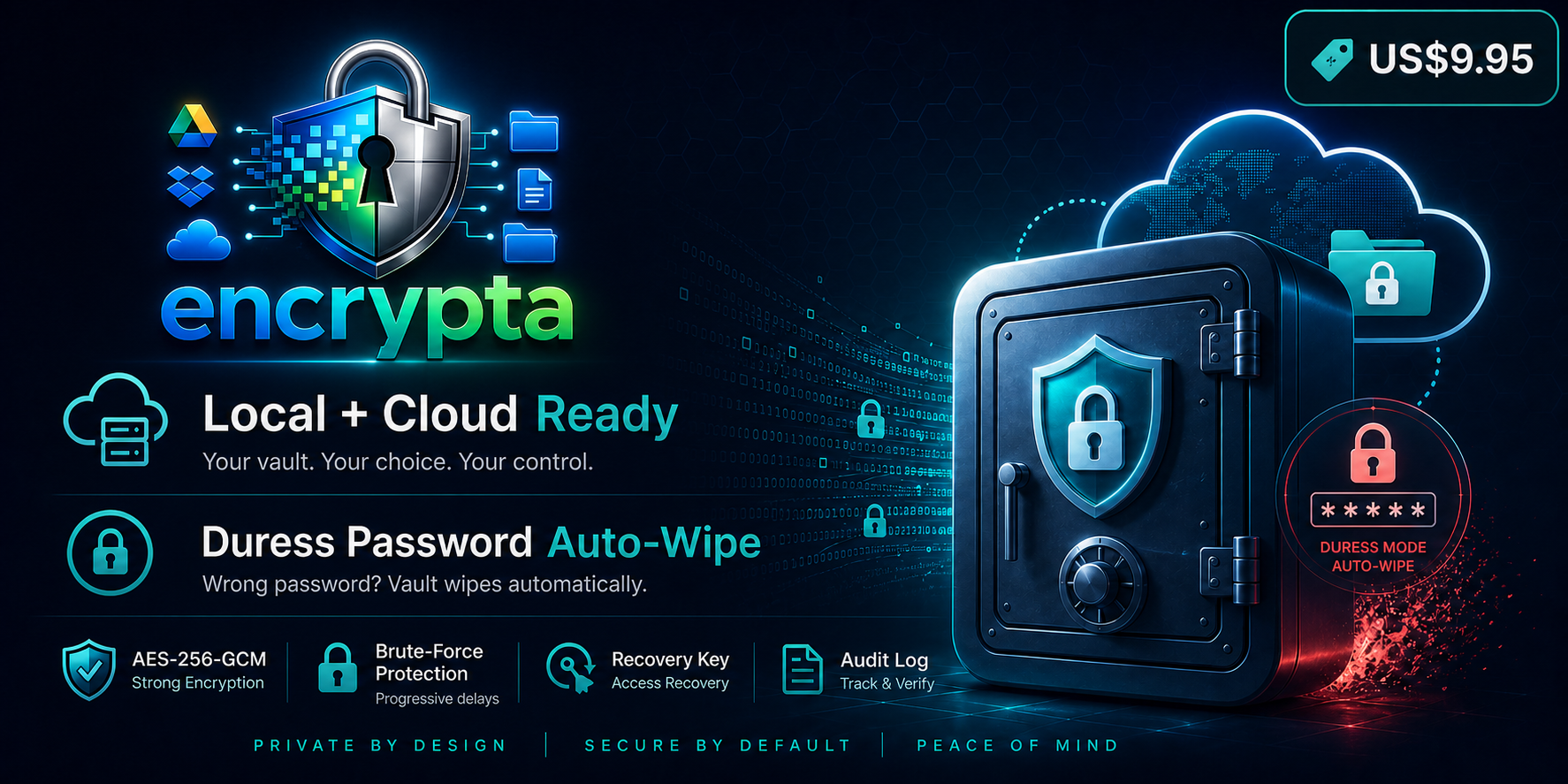
Encrypta feature overview with local and cloud ready vault security
Encrypta app icon Encrypta for Windows

Encrypta

Private local file security with duress protection.

Encrypta is a Windows app that protects sensitive files in an encrypted local vault with practical security controls and a familiar desktop workflow.

Price: $9.95 USD (one-time license)

Core Features

Security-focused controls designed for practical daily desktop use.

Encryption and Vault Controls

  • AES-256-GCM encryption for file contents and vault metadata
  • Duress password workflow with wipe-trigger behavior
  • Recovery key support for access recovery and password reset
  • Health check for integrity and missing/corrupt object detection
  • Audit log for security-relevant actions
  • Explorer-based workflow for practical daily use

Trial & Licensing

Trial mode includes 1 vault and up to 10 files.

Full license unlocks unlimited usage.

Security Design

Designed for practical local protection with clear operational controls.

01

Key Hardening

PBKDF2-HMAC-SHA256 is used for password-derived key hardening.

02

Brute-Force Slowdown

Progressive unlock delay after failed attempts (2s, 4s, 8s, 16s, up to 30s).

03

Cache Cleanup

Temporary cache cleanup on lock/close using overwrite-and-delete routines where possible.

Important

Security depends heavily on password quality. We strongly recommend 16+ characters (20+ preferred), unique passwords, and storing recovery keys offline.

Buy & Activate

After payment, send your order reference (and tx hash for crypto) to receive your license key.

Payment Options

PayPal, USDT (ERC-20), and USDC (ERC-20) on Ethereum mainnet.

ETH Receive Address

0xdD8ba743418Eb80a4a42e641c13D104Aa3ACA92d

FAQ

Common questions about Encrypta licensing and security behavior.

How much does Encrypta cost?

$9.95 USD (one-time license).

Is there a trial?

Yes. Trial mode allows 1 vault and up to 10 files.

How does Encrypta resist brute-force attempts?

It applies progressive delays after failed unlock attempts, reducing rapid automated guessing.

What password strength is recommended?

Use at least 16 characters (20+ preferred), unique credentials, and never reuse passwords across services.

Can secure deletion be guaranteed on all systems?

No. SSD behavior, filesystem journaling, and cloud/versioned backups can retain historical data.